Creating a home office that feels both cosy and inviting can transform your work-from-home experience. When your workspace is comfortable and thoughtfully designed, it encourages focus, reduces stress, and makes working more enjoyable. Whether you have a dedicated room or a small corner, these tips will help you create a welcoming office space that suits your needs.
Choose the Right Location
Finding the best spot for your home office is the first step. Ideally, pick a quiet area away from distractions like the television or high-traffic zones. Natural light is a valuable asset; a spot near a window can boost your mood and energy levels. If this isn’t possible, plan lighting carefully to avoid eye strain.
Consider Space and Privacy
Make sure the area allows you enough room for your desk, chair, and storage. Privacy is important, especially if you share your home with others. Whether it’s a separate room or a partitioned corner, having a defined workspace signals to both yourself and others that you’re ‘at work’.
Invest in Comfortable and Supportive Furniture
Comfort is key for long hours at your desk. Choose an ergonomic office chair with good lumbar support to prevent back pain. Your desk should be at a comfortable height with enough surface area to organise your essentials.
Add Soft Furnishings
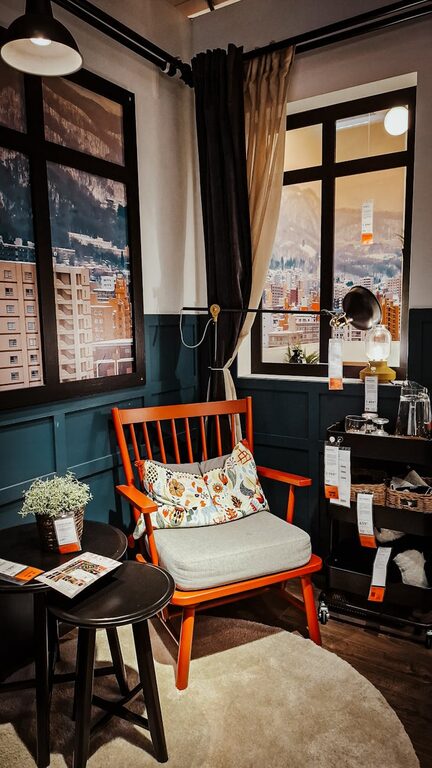
To make the space feel inviting, incorporate a soft rug, cushions, or a cosy throw draped over your chair. These elements add texture and warmth, making your office feel less sterile and more personal.
Personalise Your Space
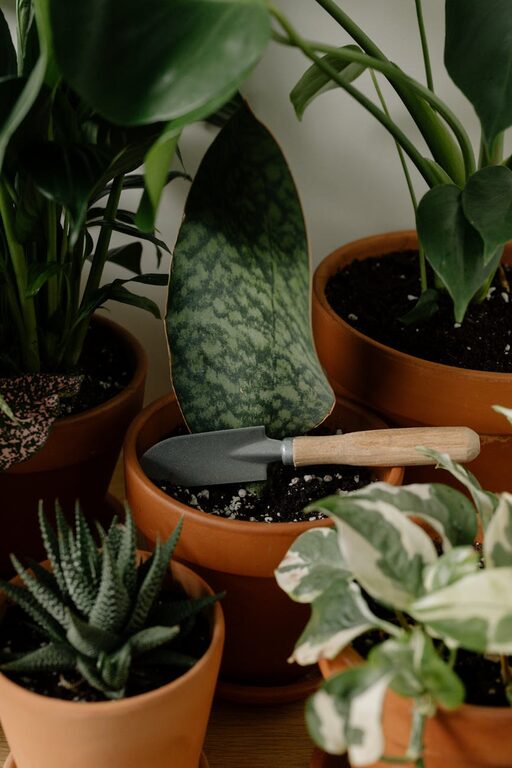
Adding personal touches can significantly improve your mood and creativity. Display a few favourite photos, inspirational quotes, or artwork that motivates you. Plants are also an excellent choice—they purify the air and bring a calming presence.
Keep it Organised
Clutter can lead to distractions, so invest in practical storage solutions. Use shelves, filing cabinets, or boxes to keep paperwork and other materials neatly stored away. Labelled organisers help maintain tidiness and save time when searching for items.
Optimize Lighting for Comfort and Efficiency
Good lighting is essential for reducing eye strain and maintaining alertness. Combine natural daylight with soft ambient lighting and adjustable task lights. Consider a desk lamp with warm light tones rather than harsh fluorescents.
Control Glare and Screen Reflections
Position your computer screen perpendicular to windows to avoid glare. If needed, use blinds or curtains to diffuse direct sunlight, creating a balanced environment for your eyes.
Incorporate Calming Colours
Colour choices affect mood and productivity. Soft, neutral tones like pale greys, creams, or pastel blues promote calmness, while pops of brighter colours can add energy without overwhelming the space. Choose colours that inspire you and complement the rest of your home.
Minimise Noise Distractions
If noise is an issue, try soundproofing your home office with thick curtains, rugs, or acoustic panels. Noise-cancelling headphones can also help you concentrate by blocking background sounds.
Manage Technology Efficiently
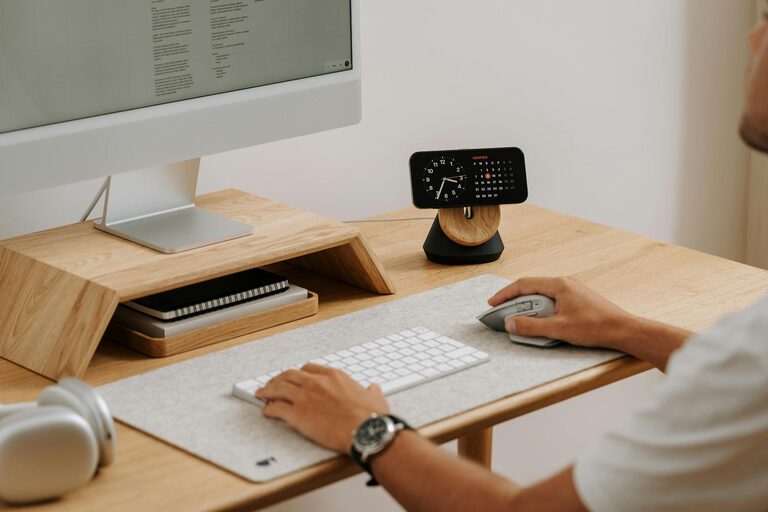
Keep your tech organised with cable management solutions to avoid messy wires. Ensure your devices are up to date and working efficiently to reduce frustration.
Create a Routine-Friendly Environment
Design your space to support your daily routine. Keep water or a hot drink nearby to stay hydrated and comfortable. A small shelf or drawer for frequently used items helps avoid wasted time searching for essentials.
Take Breaks in Style
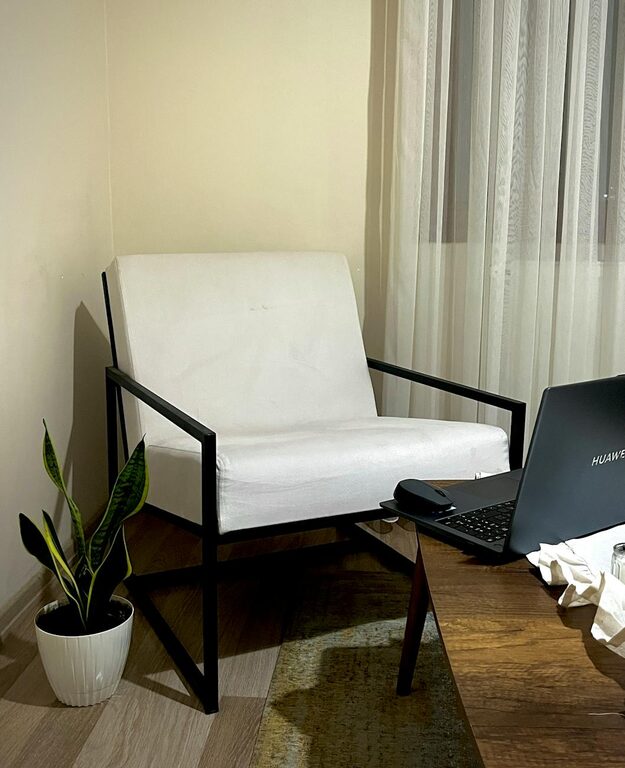
Even in a small home office, allow space to stretch or briefly relax. A small armchair or a window ledge seat can be perfect for stepping away from your desk and recharging before returning to work.
Final Thoughts
A cosy and inviting home office space doesn’t require a complete makeover. By considering comfort, organisation, lighting, and personal touches, you can create a productive environment that feels like a retreat. With these tips, you’re well on your way to designing a home office that supports both your work and wellbeing.
About the Author